
Scale verification
Verify your scaled floorplan at true size
Follow these steps to confirm your scaled PDF prints at 100% and matches the scale bar.
Step 1
Open the scaled PDF
Download the scaled floorplan PDF from the app and open it in your PDF viewer.
Step 2
Print at 100%
In the print dialog, select Actual size or 100% scale. Do not use “Fit to page.”
Step 3
Measure the scale bar
Use a ruler to measure the scale bar on the printout. The labeled meters should match in real size (for example, 1 m on the bar should measure exactly 1 m on the print).
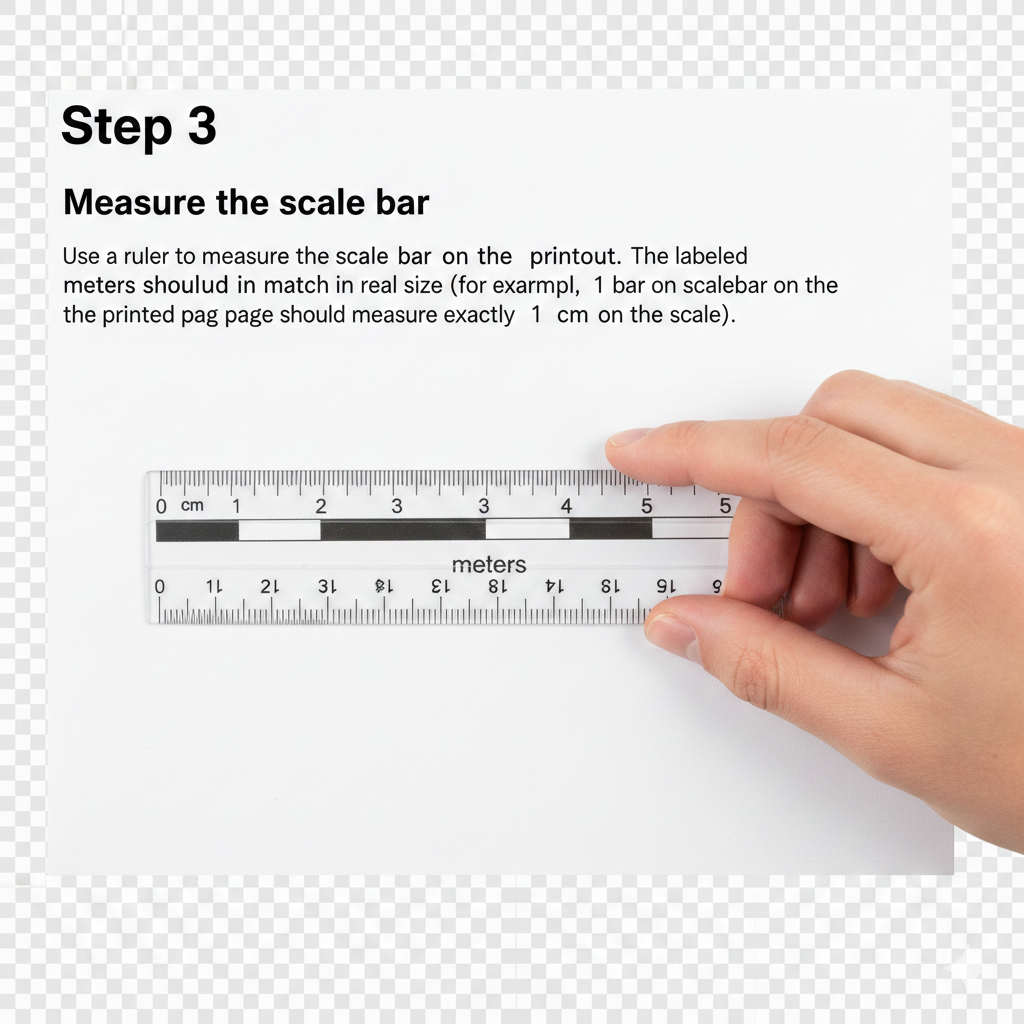
When the scale bar measures correctly, your plan is at true scale and ready for planning submission.